Changelogs
Stay up to date with the latest changes and enhancements.
Stay up to date with the latest changes and enhancements.

24. Sep 2026
Share
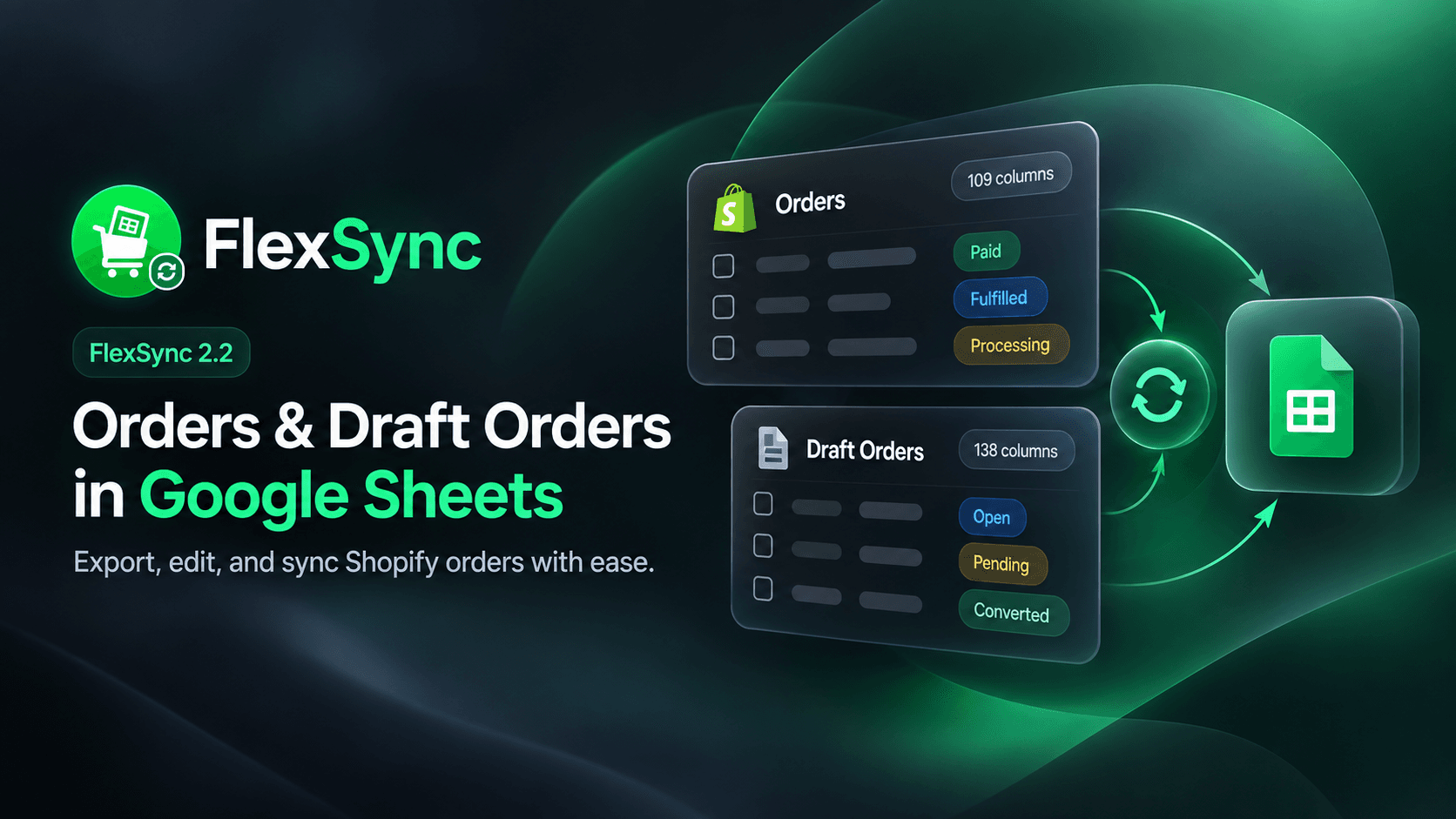
With FlexSync 2.2, you can now export Shopify Orders and Draft Orders to Google Sheets, edit supported fields, and push changes back to Shopify.
Here are the highlights:
 Orders in Google Sheets:
Export Shopify Orders with 109 available columns, with more coming soon
Choose from customer, payment, line item, fulfillment, tracking, attribution, risk, and other order data
Use 30 Order filters to bring only the orders you need into your sheet
Export custom Shopify Order metafields
Keep your Order data updated automatically when supported changes happen in Shopify
Draft Orders:Draft Orders now have their own Google Sheets export with 138 available columns.
That includes customer and product data, pricing, taxes, B2B company details, PO numbers, payment terms, and more.
You can also edit:
Notes and Tags
PO Number
Email and Phone
Visible to Customer
Tax Exempt
Edit Orders from Google Sheets:You can now handle common Order updates without going back and forth between Google Sheets and Shopify Admin. Edit:
Notes and Order Tags
Tracking Number and Tracking URL
Carrier
Fulfillment Status
Hold Reason
When you're done, use FlexSync → Push order changes to Shopify.
Manage Fulfillment from Your Sheet:From Google Sheets, you can now:
Fulfill an Order
Put fulfillment on hold
Mark it as in progress
Release a hold
Add or update tracking information
We also added a ready-made Fulfillment Status dropdown, so you can pick the right status without typing it manually.
A Better Sheets Experience:Products, Orders, and Draft Orders now have separate export cards
Editable and read-only columns are easier to identify
FlexSync lets you know when you try to edit a read-only field
Better guidance when managed columns are moved or deleted directly from the sheet
You can now use Orders without having a Products sheet connected
Fixes & Improvements:Fixed some changes being missed when pushing large batches of Order updates
Fixed Order Notes not always syncing correctly
Fixed the sync toggle not showing its current state right away
Added the Total Weight filter
Added a dedicated Product column for Order line items
 Before You Start:
Existing users need to do two quick things before using the new Order editing features:
Update the Apps Script from FlexSync → Settings → Apps Script
Click Re-grant Shopify permissions from Settings
Your existing Product sync will keep working, but the updated Apps Script and Shopify permissions are required for Order and Draft Order editing.
FlexSync now gives you one Google Sheets workspace for Products, Orders, and Draft Orders, while Shopify stays connected in the background.
Happy syncing. Enjoy! 